


D-156N
D-156N
No drivers required, just plug it in and you can use it right away. Enjoy a simple dual-screen experience.

Couldn't load pickup availability
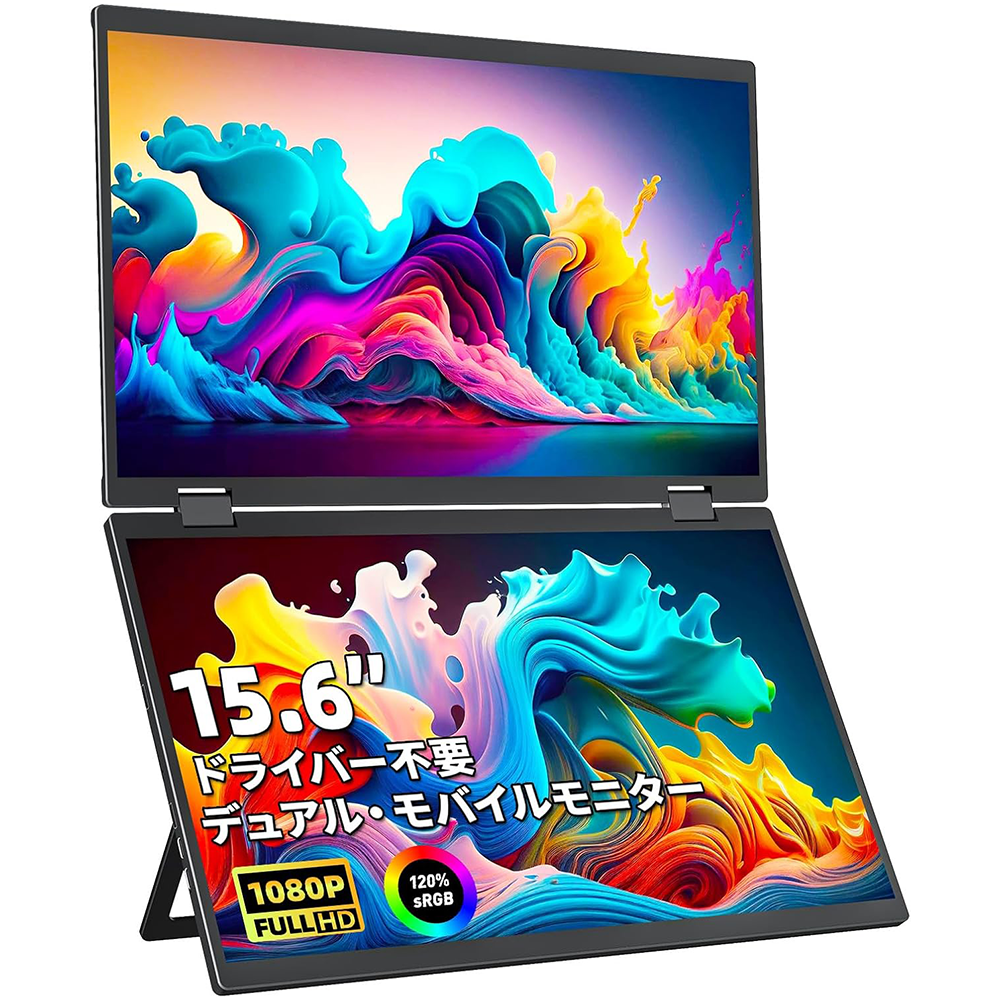
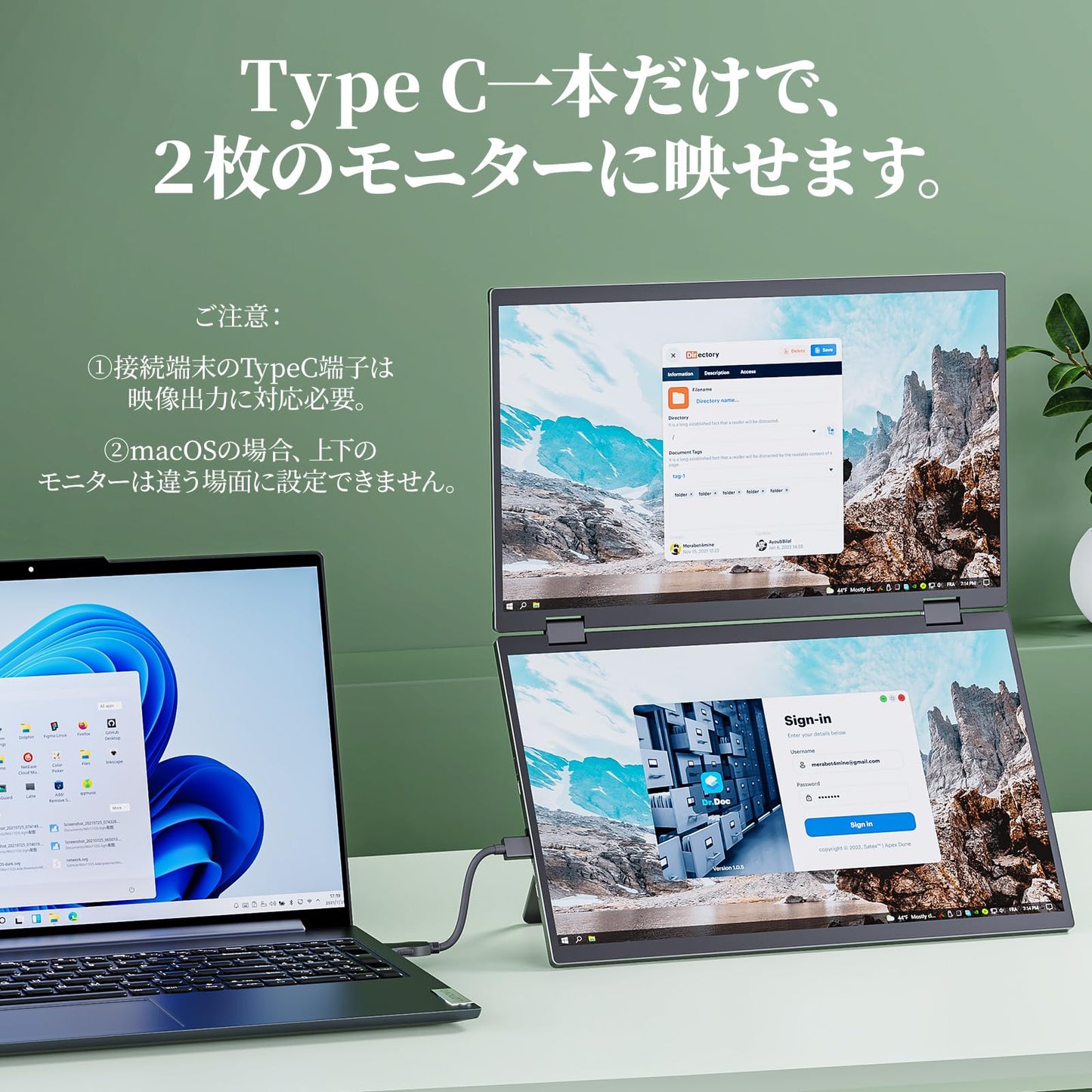
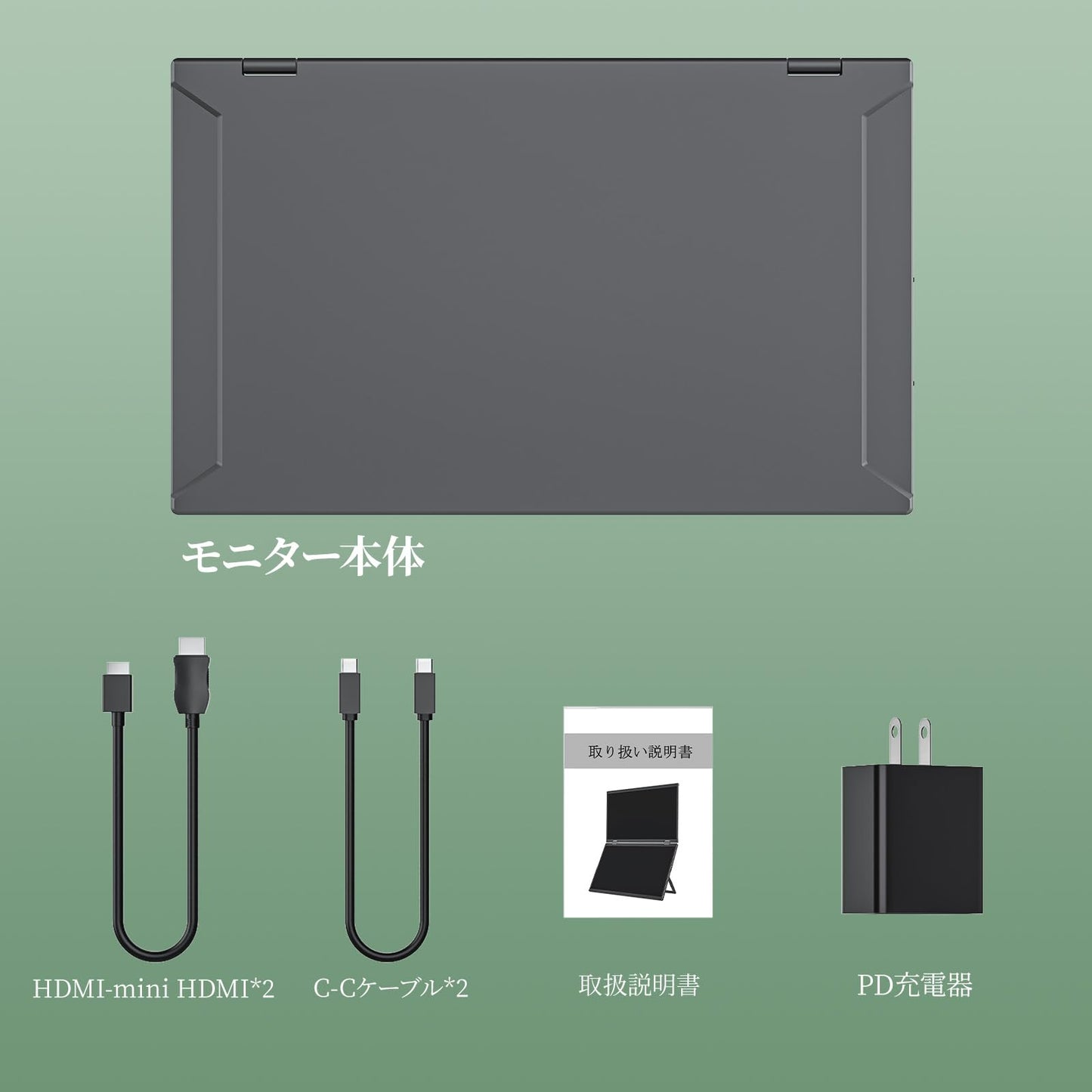
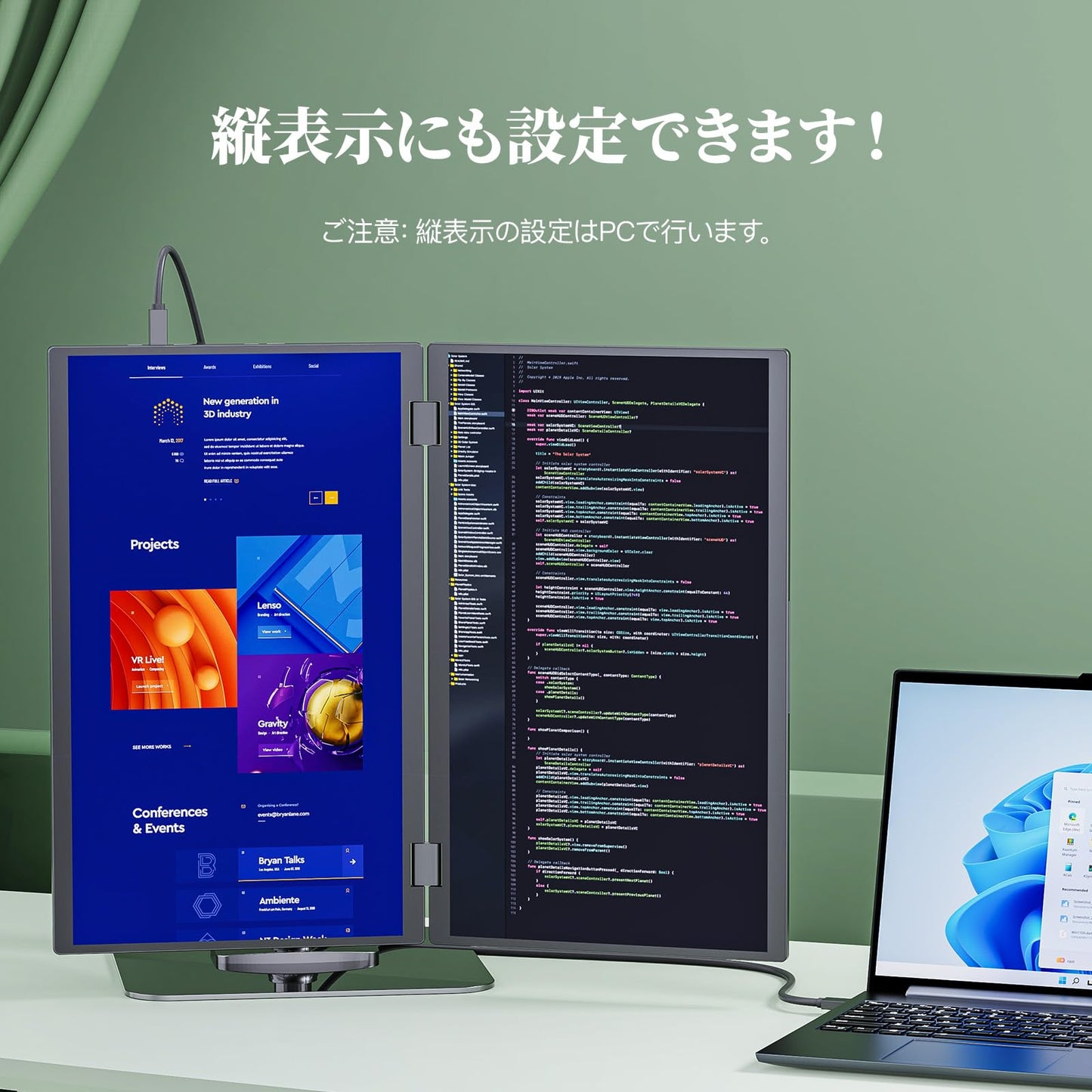
[Must-Read Before Purchase!] 1. Attention MacBook users! Most MacBooks cannot support extended display on three screens (including the main PC monitor). Only two screens can display different content! For MacBooks that support extended display on three screens, please refer to the "Triple-Screen Setup" section below. 2. Only PCs can support triple-screen display with a single Type-C cable; other devices cannot! 3. The monitor does not have a built-in battery, so it does not require charging when not in use, but it does require power when in use. 4. If you power it directly from your PC, the power may run out due to a drop in the PC's power. In this case, please power it using our included adapter. 5. If powering it while on the go is inconvenient, you can also power it with a mobile battery. 6. When HDR/DCR is on, brightness and other settings cannot be adjusted. Turning HDR/DCR off will enable adjustments. 7. If you have any questions regarding use, please contact us at any time. We are available by email and phone.
[Work with Three Monitors, No Drivers Required] There are two ways to work with three monitors. Method 1: Connect to a PC with a Type-C port that supports video output with just a single Type-C to Type-C cable! Since the Type-C cable is powered by the PC, no power connection is required as long as the PC's power capacity is sufficient. Method 2: Connect the top and bottom monitors with two HDMI cables. In this case, a simultaneous adapter is required to power the monitors. Neither method requires drivers; just plug it in and it works! You'll have no need to worry about screen space when analyzing data or programming, and you can work more efficiently! (Note: For MacBooks with HDMI ports, you can connect one monitor via HDMI and the other via Type-C for a triple-screen display, but this is limited to models with Intel, M1 Pro/Max, or M2 Pro/Max chips.)
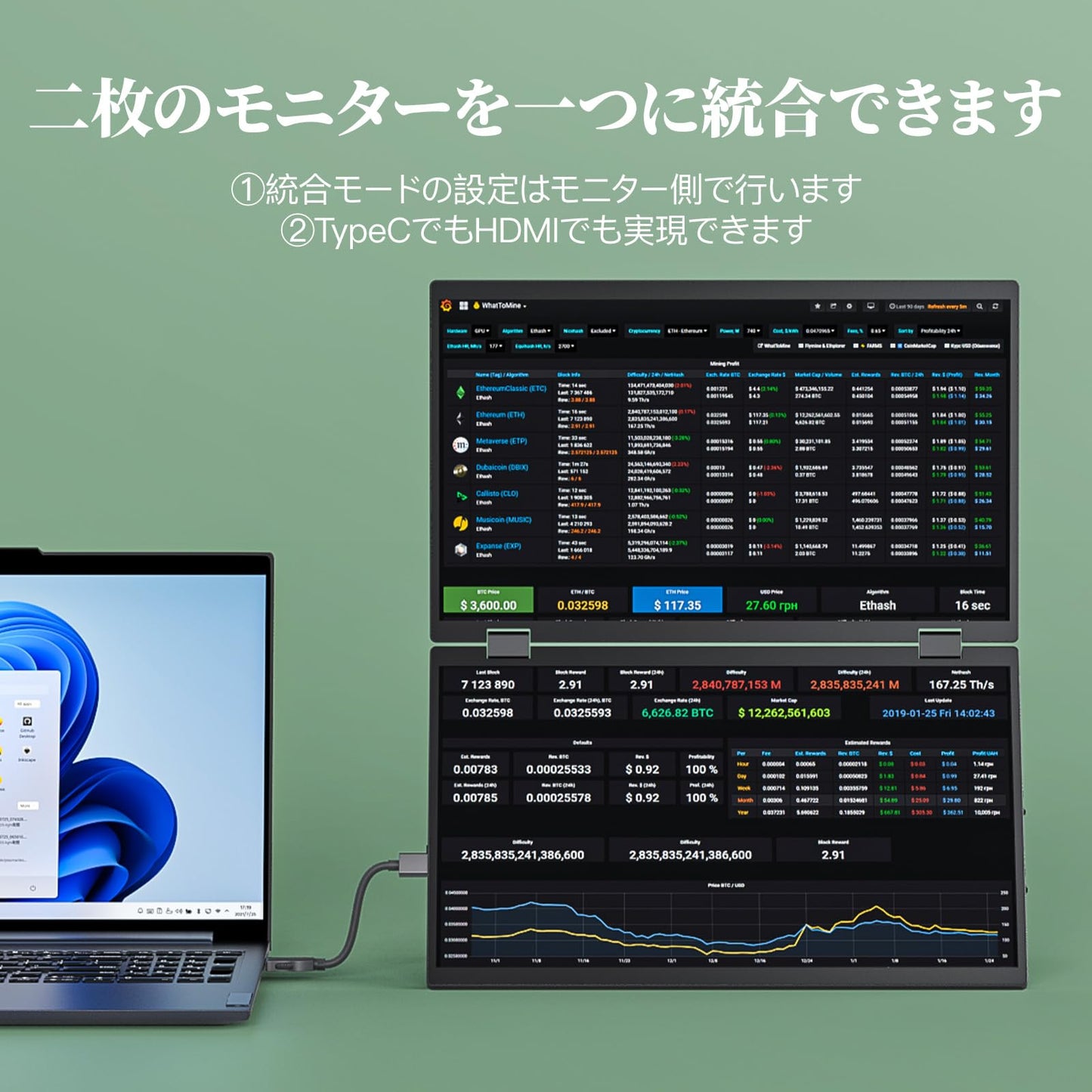
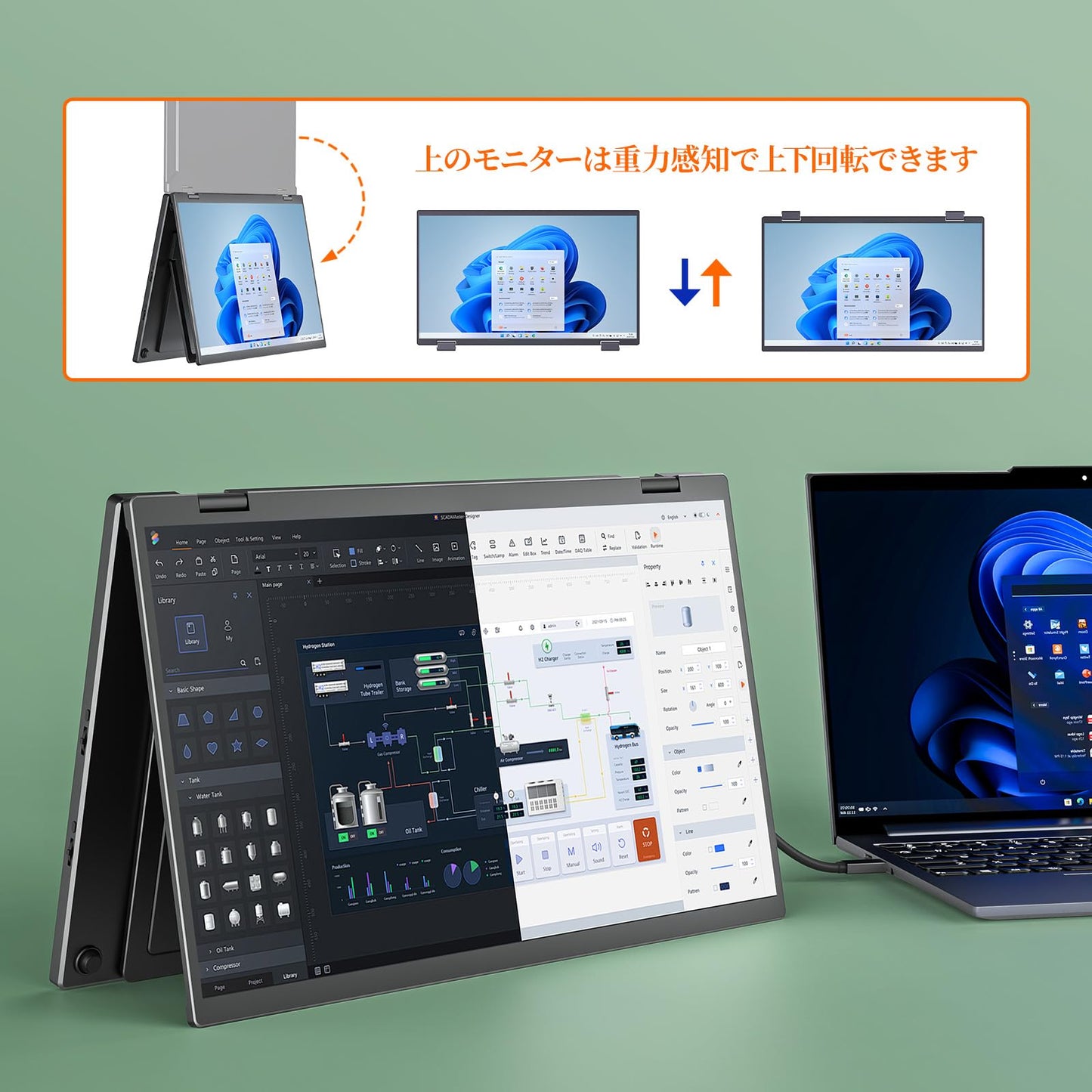
[Latest Features: Integrated Mode, Gravity-Sensing Screen Rotation] 1. Combine two monitors into one! The combined screen is equivalent to 20.5 inches (1920*2160 resolution)! Connect via Type C or HDMI with just one HDMI cable! Integrated mode is compatible with all MacBook models! 2. The top monitor's screen can be rotated up and down by gravity sensing, without the need to press any buttons or set anything!
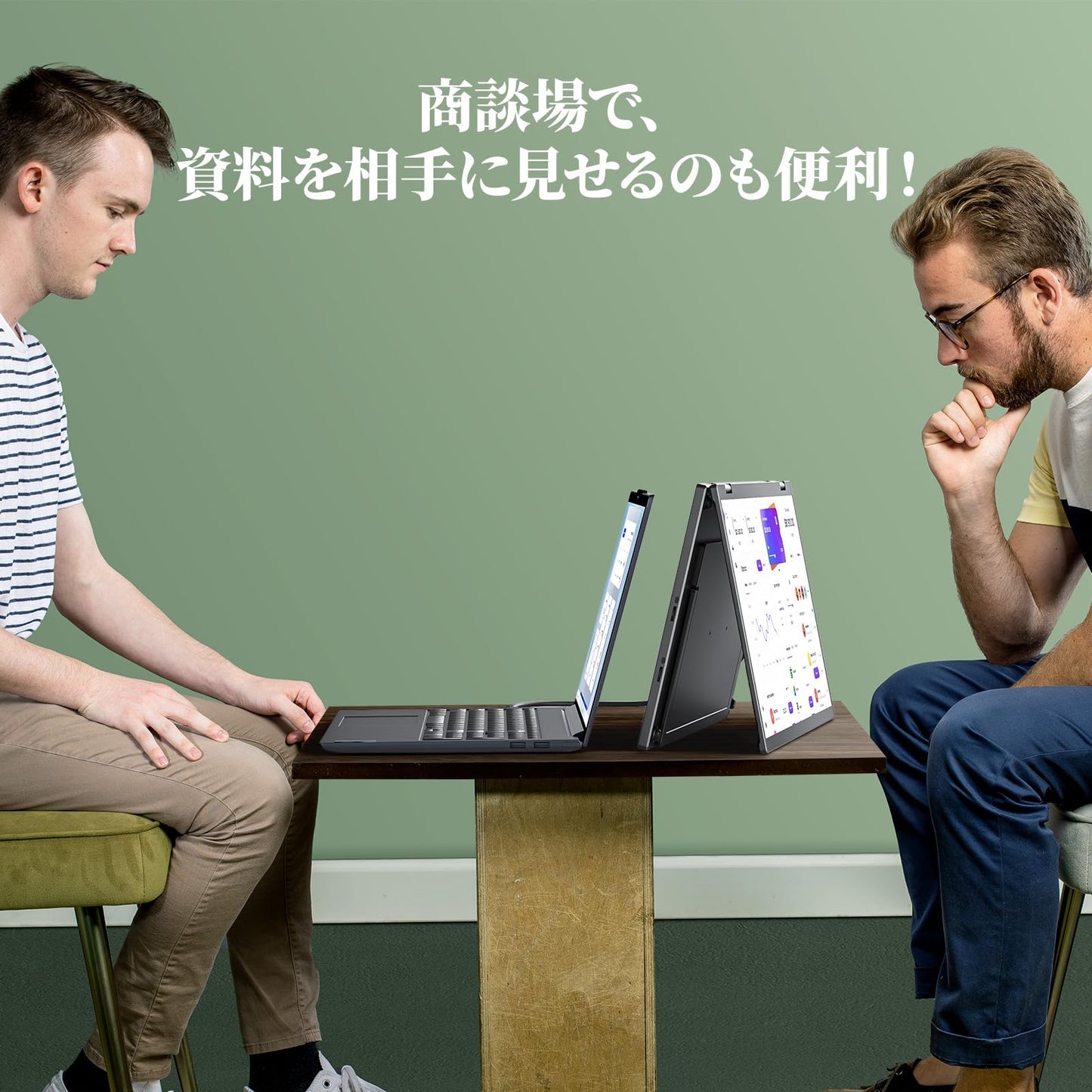
[Self-standing stand, four VESA holes, easy portability] The stand is self-standing and can be freely adjusted from 0° to 120°! It also has four VESA holes, so it can be attached to a VESA arm without any wobble! Numerous anti-slip rubber pads ensure stability. When folded, both monitors are inside, minimizing shock absorption and ensuring durability. Simply open it and you're ready to work. Fold it like a laptop, and it's easy to carry in your backpack for business trips!
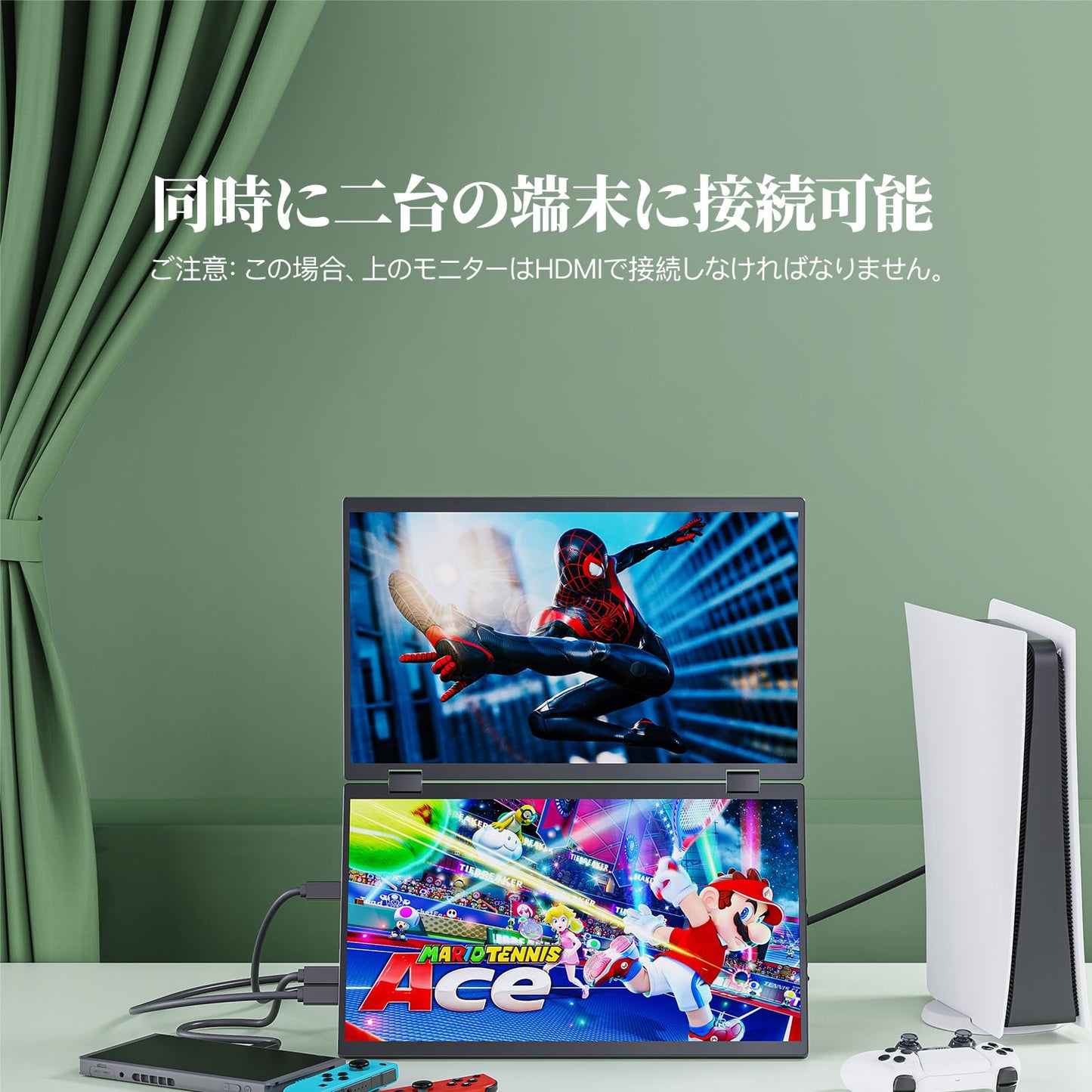
[Wide Compatibility - Simultaneous Connection of Two Devices] Compatible with a wide range of devices, including laptops, desktops, smartphones, PS4/PS5, XBOX ONE, Wii, Nintendo Switch, and Raspberry Pi. You can also connect the two monitors to separate devices. For example, connect one monitor to a Nintendo Switch via Type-C and the other to a PlayStation via HDMI, so both kids can enjoy gaming!
技術仕様
- 画面サイズ
- 15.6 inches
- パネルタイプ
- Anti-gloss IPS
- 視野角
- 178°
- 解像度
- 1920 × 1080
- アスペクト比
- 16:9
- 輝度
- 300 cd/m²
- コントラスト比
- 1000:1
- 色域
- 120% sRGB
- 表示色
- 8bit (16.7M)
- リフレッシュレート
- 60 Hz
- 応答速度
- 5ms
- スタンド機能
- Tilt 120°
- VESA
- 75×75mm (M4×6mm)
- スピーカー
- 〇
- 入力端子
- Type-C、Type-C、mini HDMI、mini HDMI